Details
Year: 2018
Platform: Mac, Windows
Role: Lead UX/UI Designer
Tools Used
Sketch
Zeplin
Usertesting.com
Jira
Notion
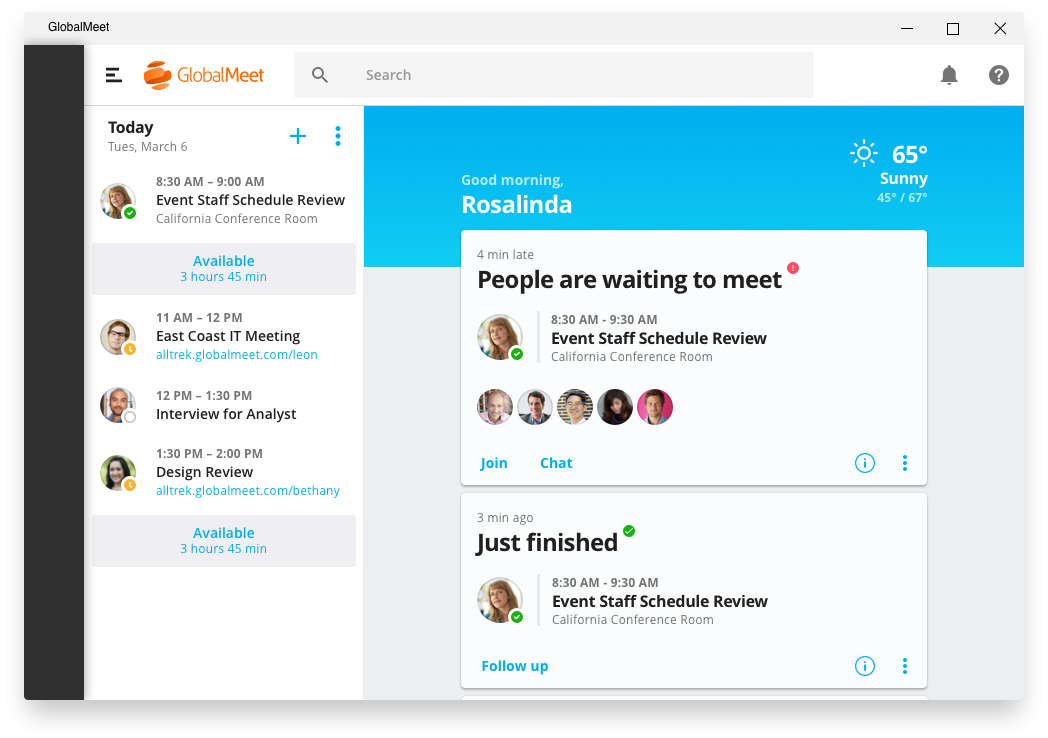
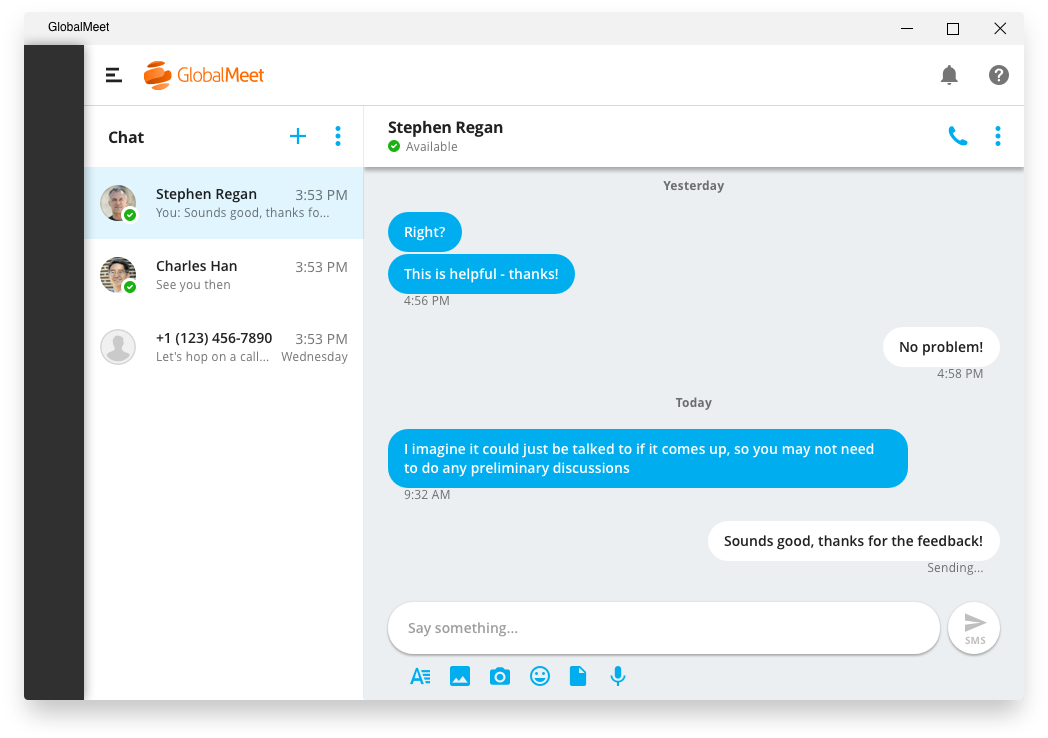
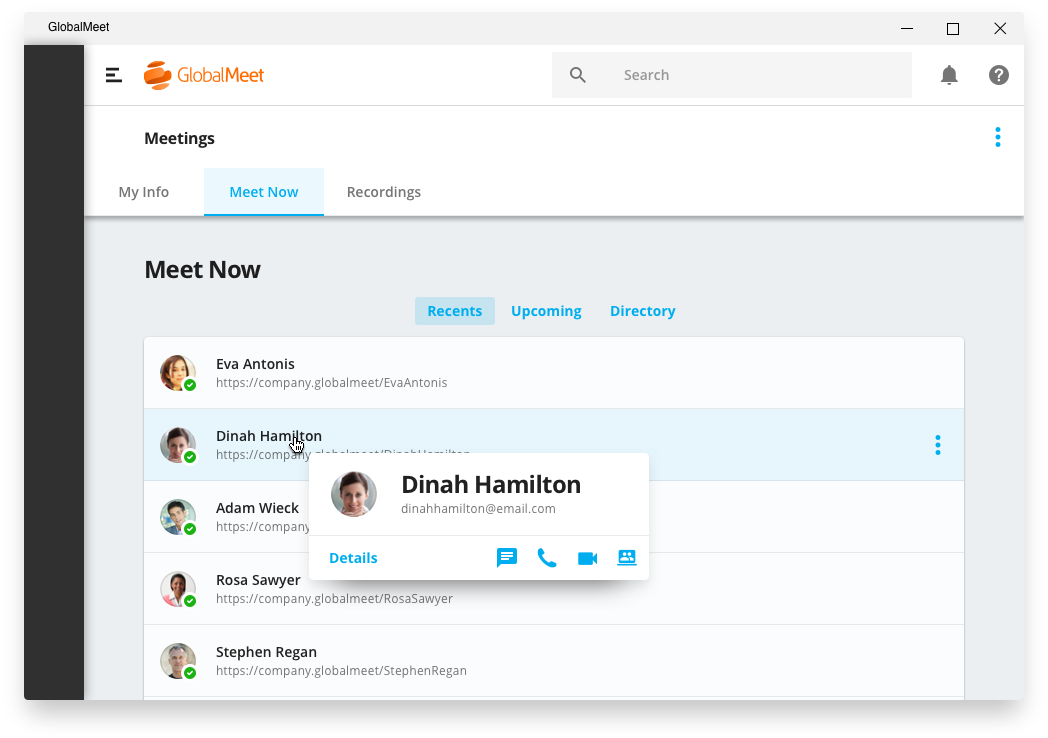
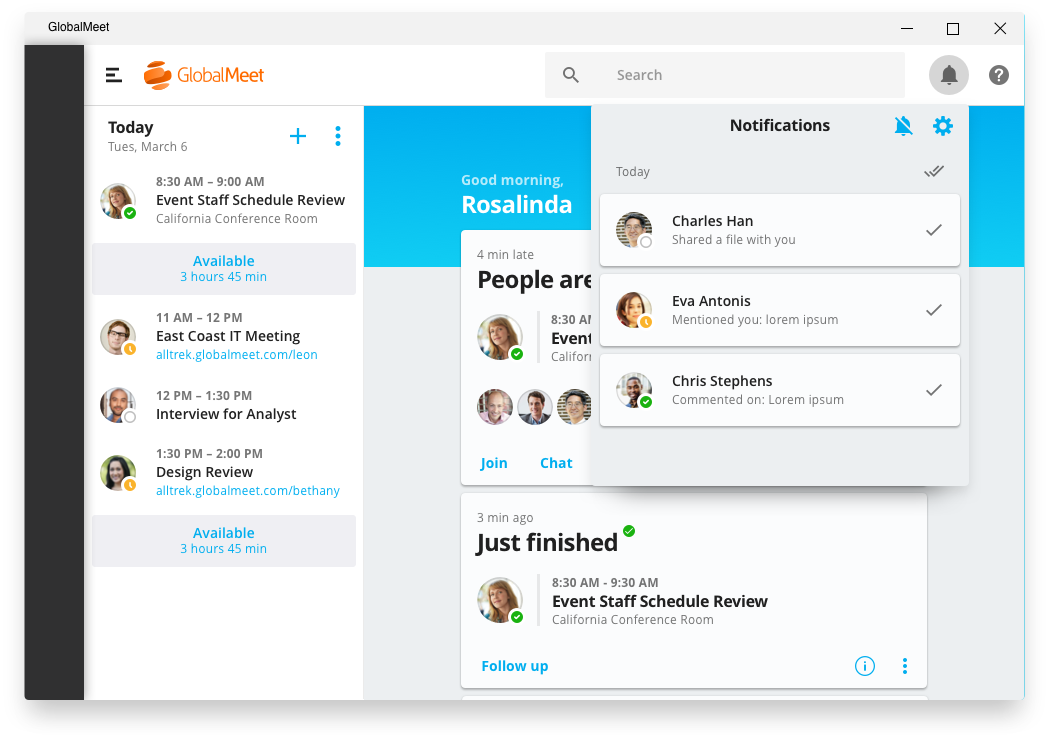
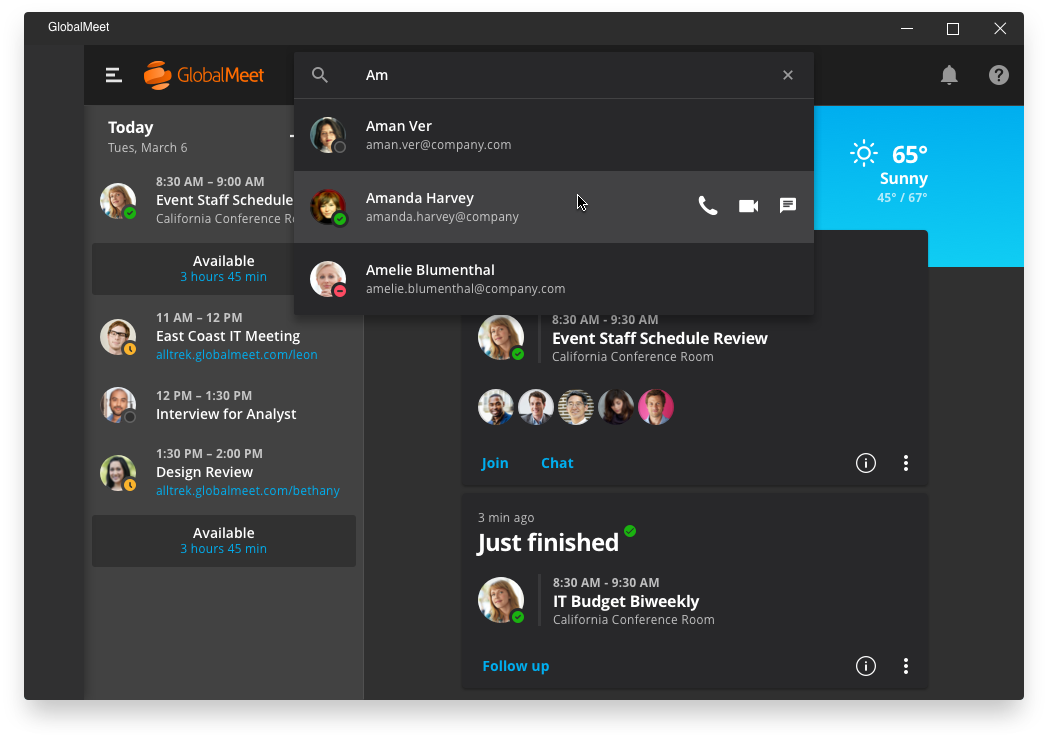
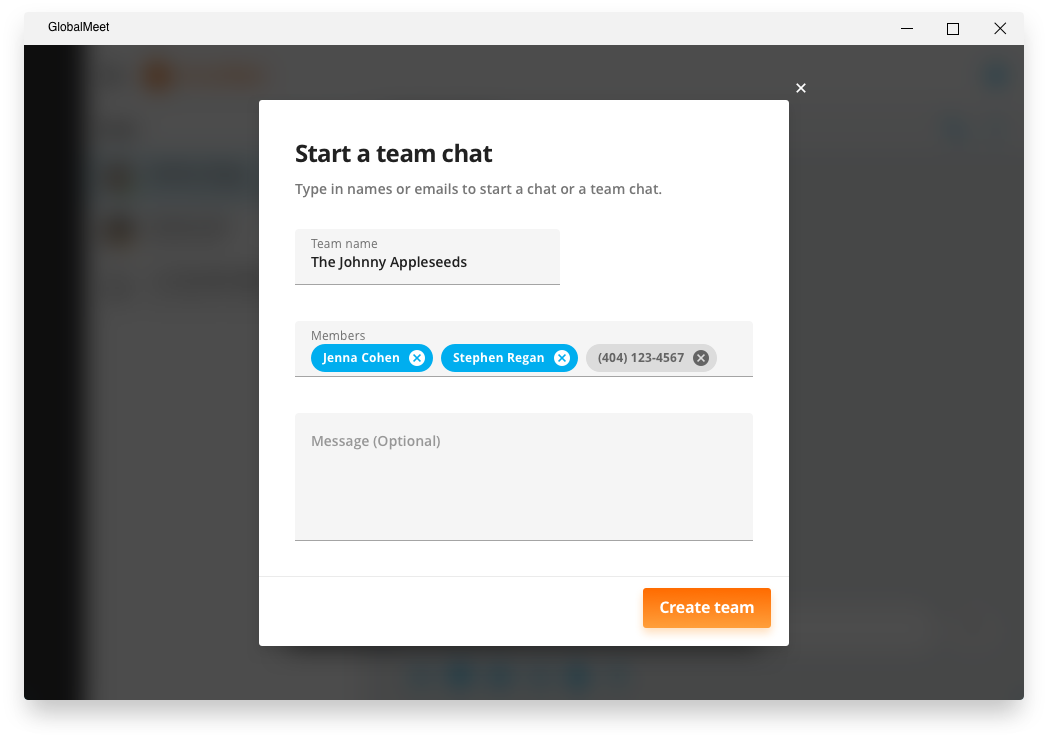
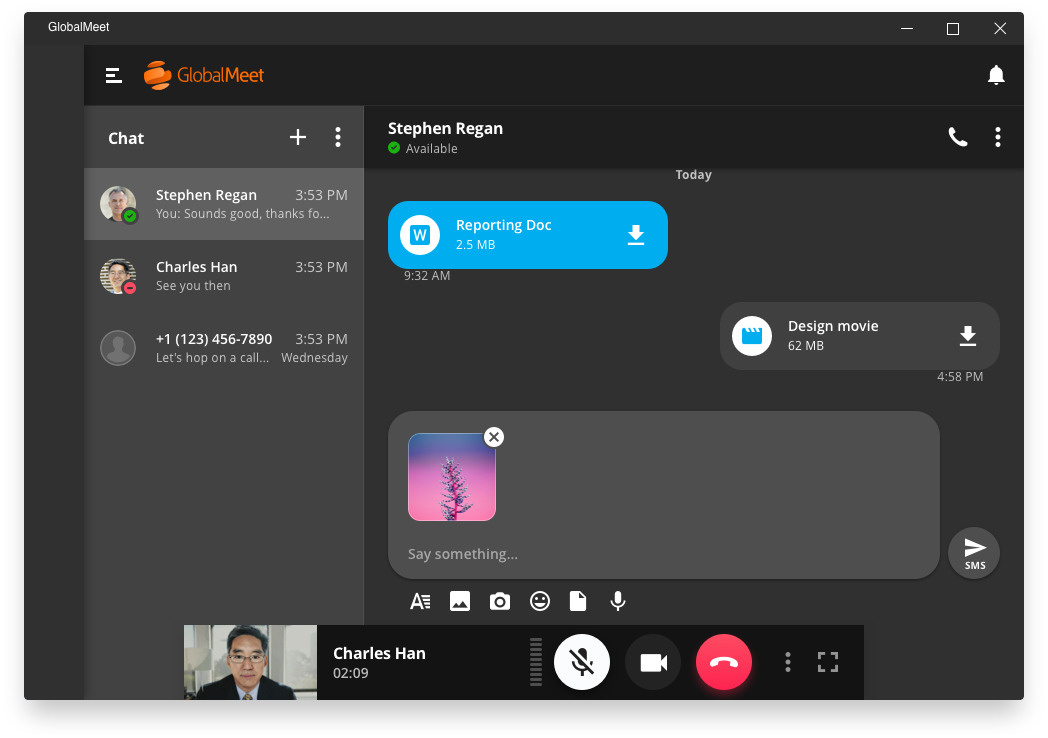
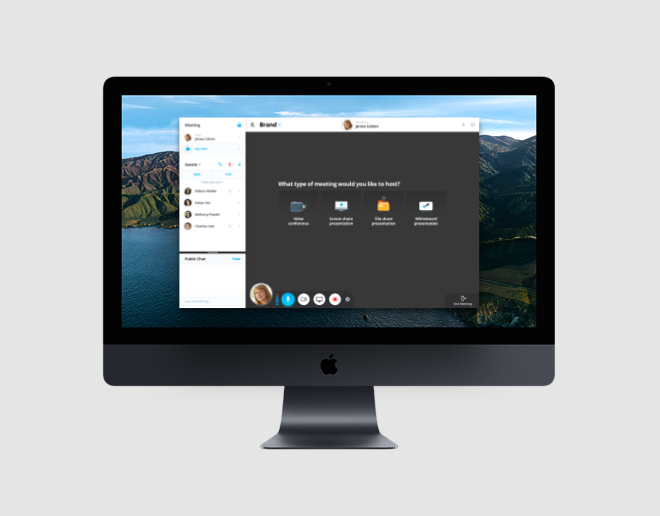
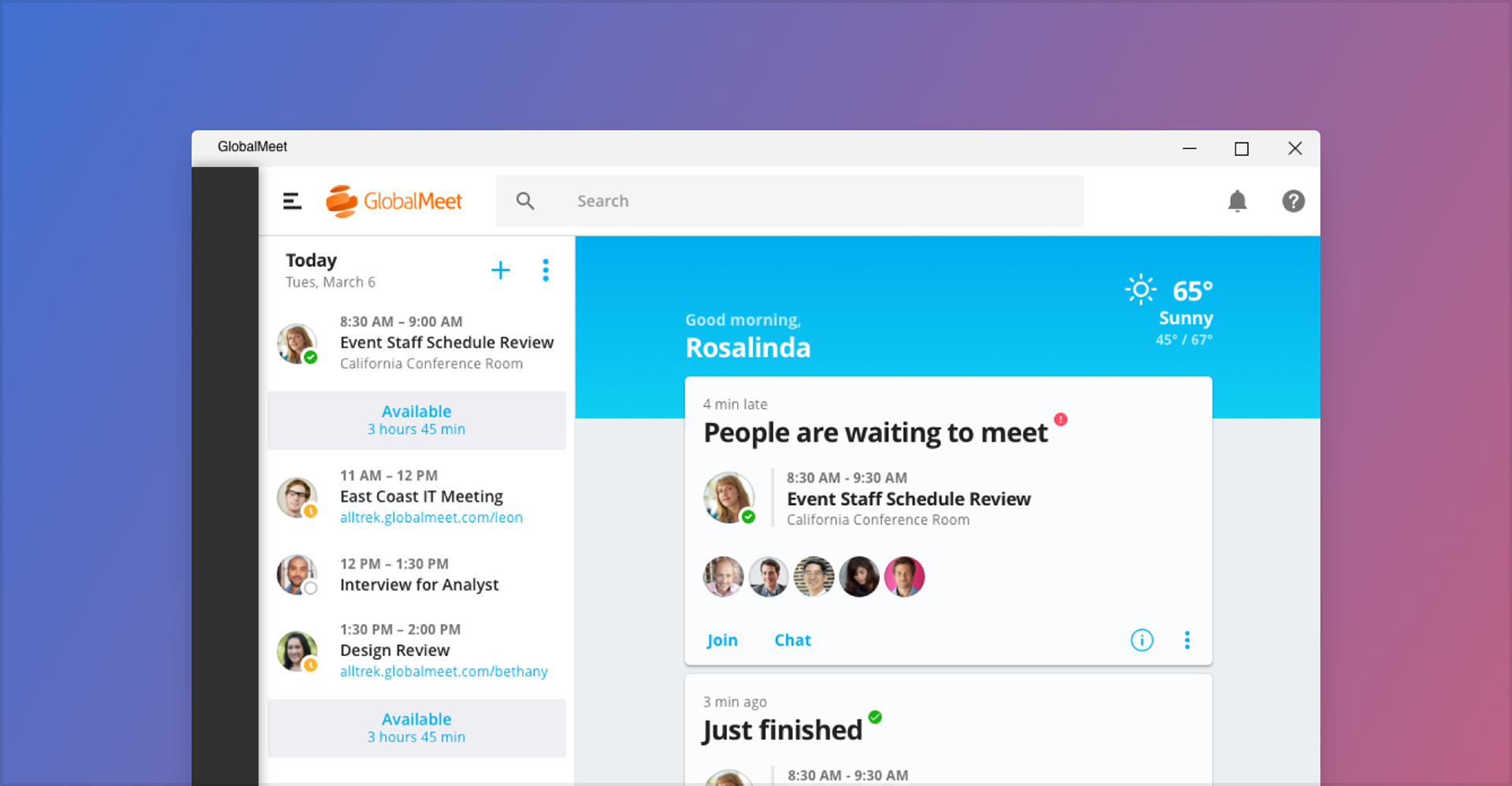
GlobalMeet Desktop was PGi's enterprise meeting application for Mac and Windows. It launched virtual meetings, held the day's agenda and tasks, carried chat conversations, and placed peer-to-peer audio and video calls, all from one window. The work ran alongside the design system I was building for PGi's web and desktop products, so the app and the system were shaped against each other.
Objective
PGi's meeting tools were spread across a browser, a scheduler, and a chat client. A customer running a meeting had to know which product answered which question, and switching between them cost attention they'd rather spend on the meeting.
So the app had one job: put the meeting, the agenda, and the conversation in a single place. It had to ship on Mac and Windows at feature parity, because a workplace runs both, and a team where half the people have a feature has to plan around the half that doesn't.
Approach & Methodology
Studied the competition for flows, not for looks
I worked through Microsoft Teams and Slack the way a new user would, and mapped what each one did with the flows we'd have to build anyway: joining a meeting, starting a call with one person, finding yesterday's conversation. Both had already settled conventions that enterprise users arrive knowing, so matching them where they were right meant our users spent their learning on what was different.
The differences are where the product lives. Teams and Slack both treat the meeting as something that happens inside a chat workspace. GlobalMeet Desktop treated the meeting as the center and let the agenda, tasks, and chat gather around it, because that's the job PGi's customers were already hiring the company for.
Built it out of the system, and fed the system back
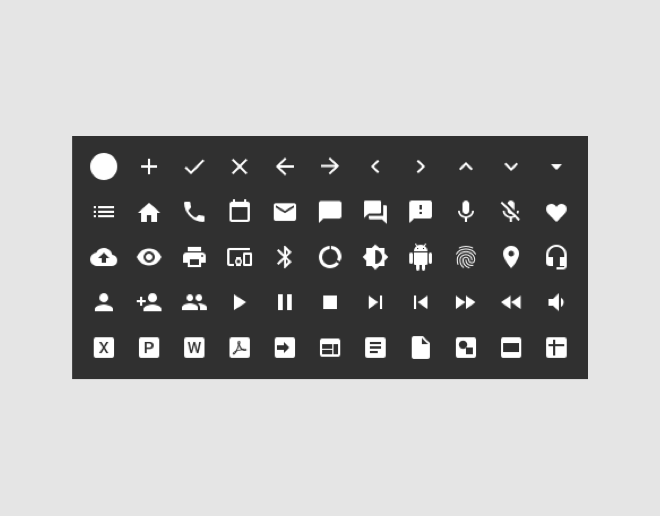
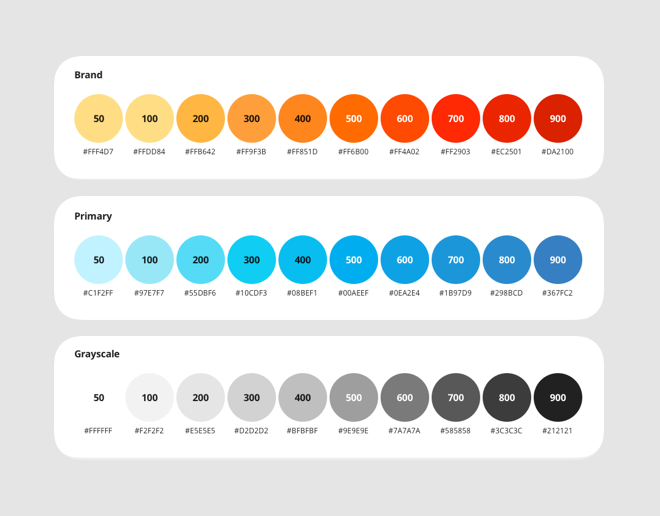
Every screen started from DIG, the design system I'd built for PGi's web and desktop suite. Components, states, and behavior were decided before the screen was, so the design work was composition rather than reinvention.
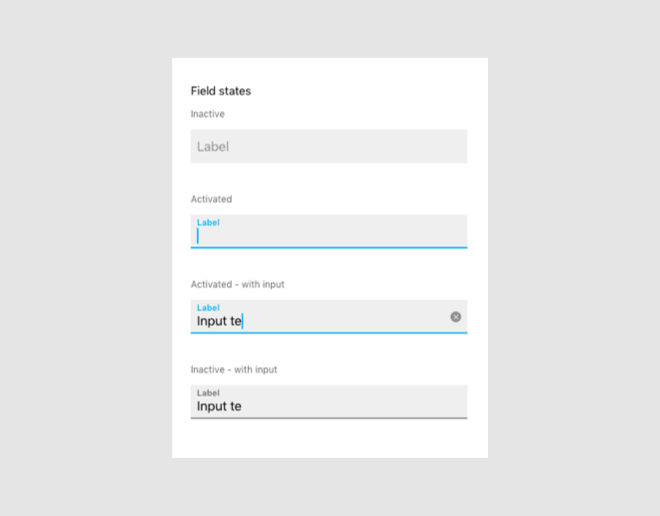
When the app needed something the library didn't have, I designed the component into the system instead of into the app. That's the rule that keeps a system honest: a one-off drawn in a product file is a private answer, and the next product to need it will draw a second one. Several of the components GlobalMeet Desktop needed first shipped to the rest of PGi's products as part of DIG.
Put the flows in front of users before they were built
Another designer on the team ran user testing, and we used it on the interactions we'd disagreed about rather than on the whole app. Testing everything produces a report. Testing the contested decisions produces a decision, which is what the build schedule actually needed.
Aligned with iOS and Android at the flow level
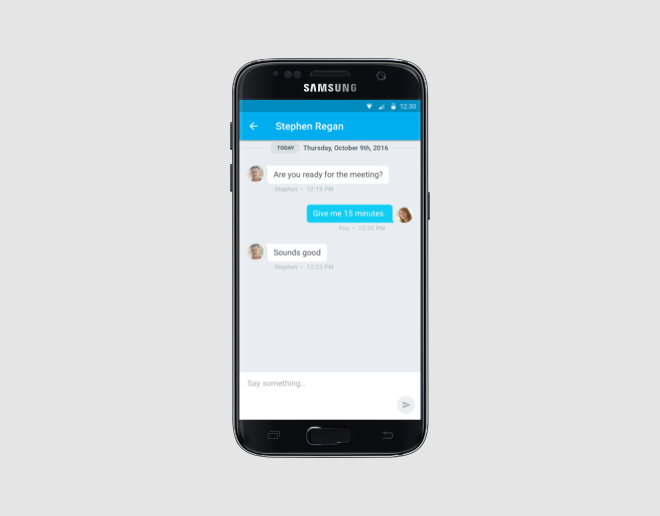
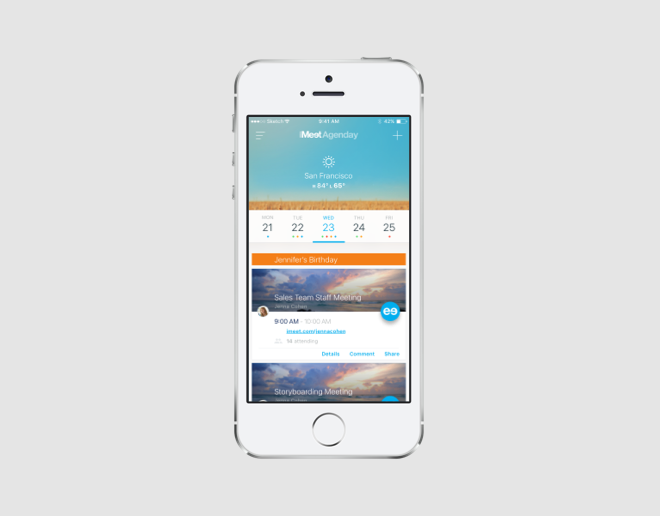
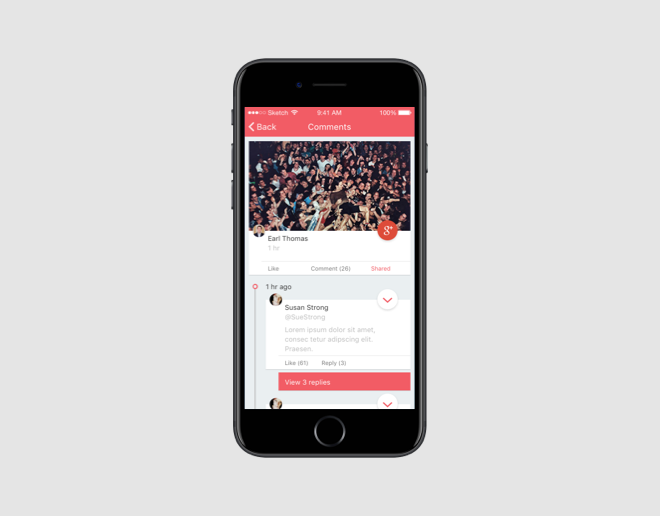
I partnered with the iOS and Android leads so the three apps told the same story about what a meeting is: the same structure, the same vocabulary, the same steps to get into a call. Each platform kept its own controls, because people learn how controls work from the device in their hand.
That split is what makes a suite feel like one company. Brand and structure travel across platforms. Convention doesn't, and a desktop app that behaves like a phone charges the user for a decision they didn't make.
Impact & Results
GlobalMeet Desktop shipped on Mac and Windows at parity, alongside the iOS and Android releases built with the mobile leads. A customer moving from a laptop to a phone found the same meeting, described the same way.
The app gave PGi a real alternative to Microsoft Teams for its enterprise accounts, built around the meeting rather than around a chat workspace.
DIG came out of the project larger and better tested. Components and patterns that started as GlobalMeet Desktop requirements became shared answers for the products that followed, so the next team to need them didn't pay for them again.
Images